Plans

Start free. Pay when it pays for itself.

Every plan includes the whole pipeline — leads, deals, attempts and the trail behind them. What changes is how many of you there are and how much you bring in.

Free

Free forever, with per-user limits.

Free

  • Included: Up to 100 users
  • Included: 25 leads / user
  • Included: 1 GB storage / user
  • Included: Core CRM
Most popular

Silver

Unlimited users with import, export and integrations.

₹500/monthIndian rupees per month

  • Included: Unlimited users
  • Included: 5,000 leads / user
  • Included: 2 GB storage / user
  • Included: Import & export
  • Included: All integrations

Gold

Everything in Standard with priority support.

₹750/monthIndian rupees per month

  • Included: Everything in Standard
  • Included: 10,000 leads / user
  • Included: 5 GB storage / user
  • Included: Priority support

Prices in INR, excluding GST. Limits shown per user. Change plan or cancel from your workspace at any time.

Try DialCRM.AI free for 30 days

The Free plan opens a workspace with up to 100 users and the whole pipeline — leads, deals, follow-ups and the trail behind them. Choose a paid plan when the 30 days is up to carry on.

See what each plan includes

Inside the app

Experience your CRM dashboard

The first thing you see when you sign in: what is in the pipeline, what is due, and what has closed — for the whole workspace or for one person.
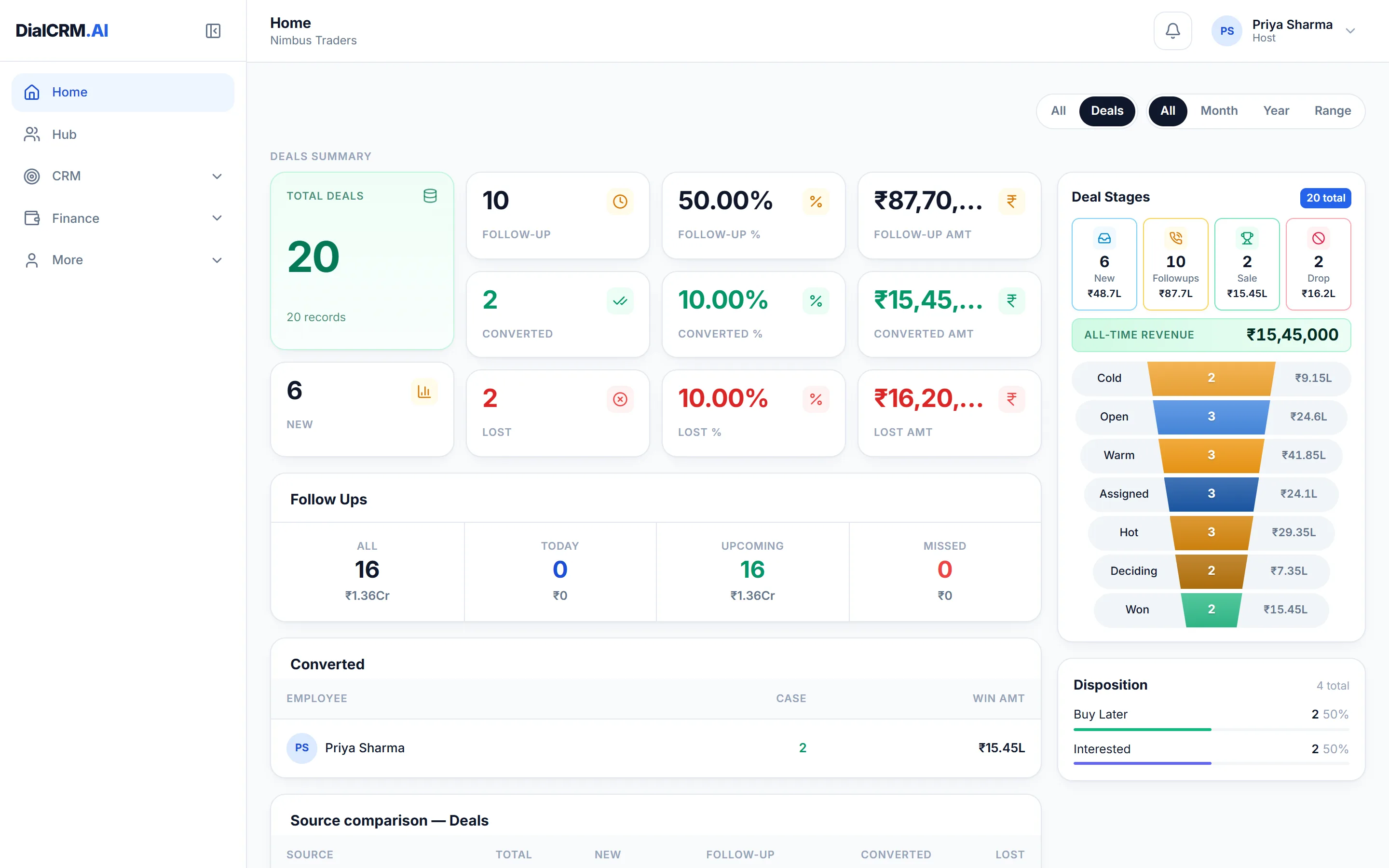
The DialCRM.AI dashboard showing 20 deals, a stage funnel from Cold to Won, follow-up counts, all-time revenue and a disposition breakdown.
  • Deal counts and values by stage, from new through to won
  • Follow-ups split into today, upcoming and missed
  • A funnel with the money sitting at each stage
  • Disposition and source breakdowns, built from the attempts logged

Screens captured from the live application, signed in to a demonstration workspace. The companies, contacts and figures in them are invented.

On the move

The same CRM, in your pocket

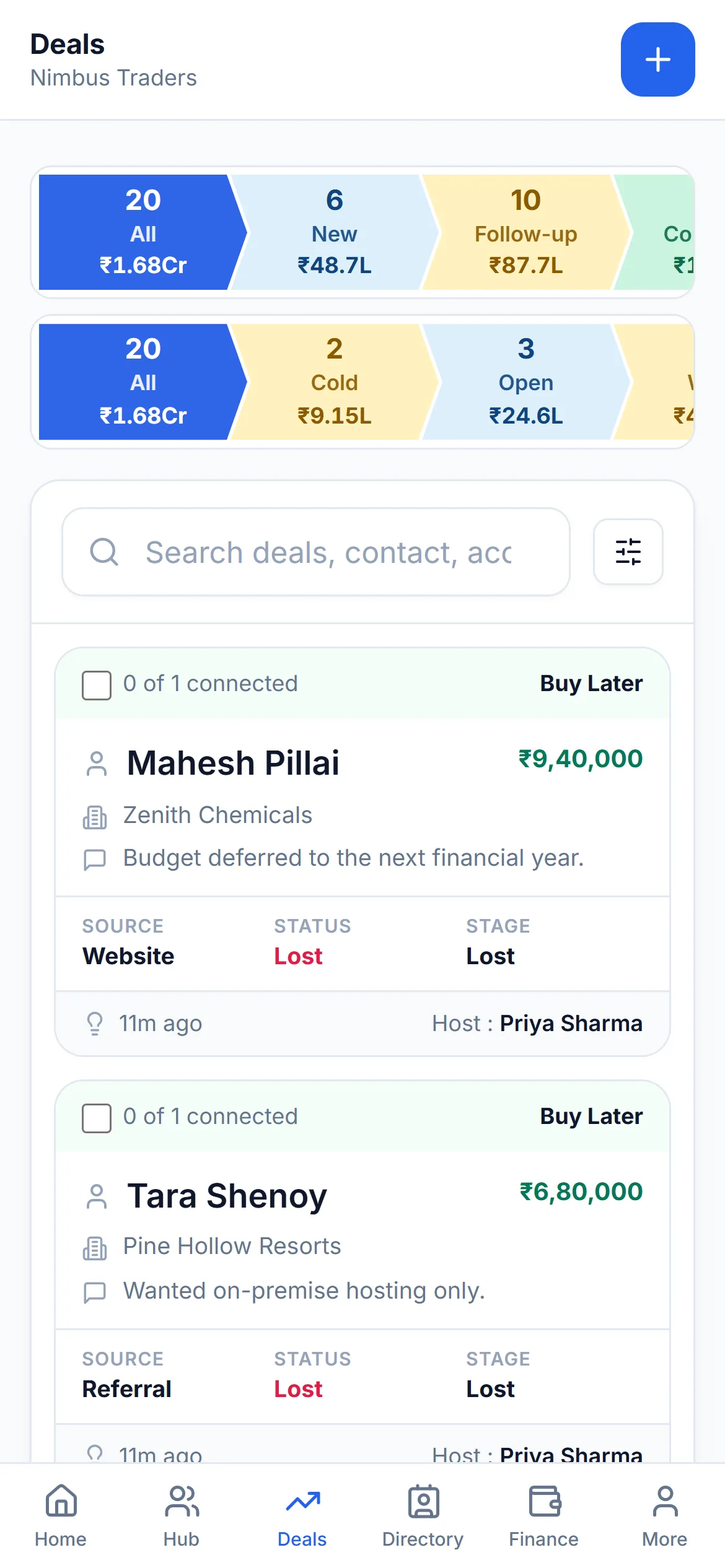
Not a cut-down companion app. Tables become cards, the navigation moves to the bottom, and a follow-up falling due raises a reminder on the device even when the app is closed.
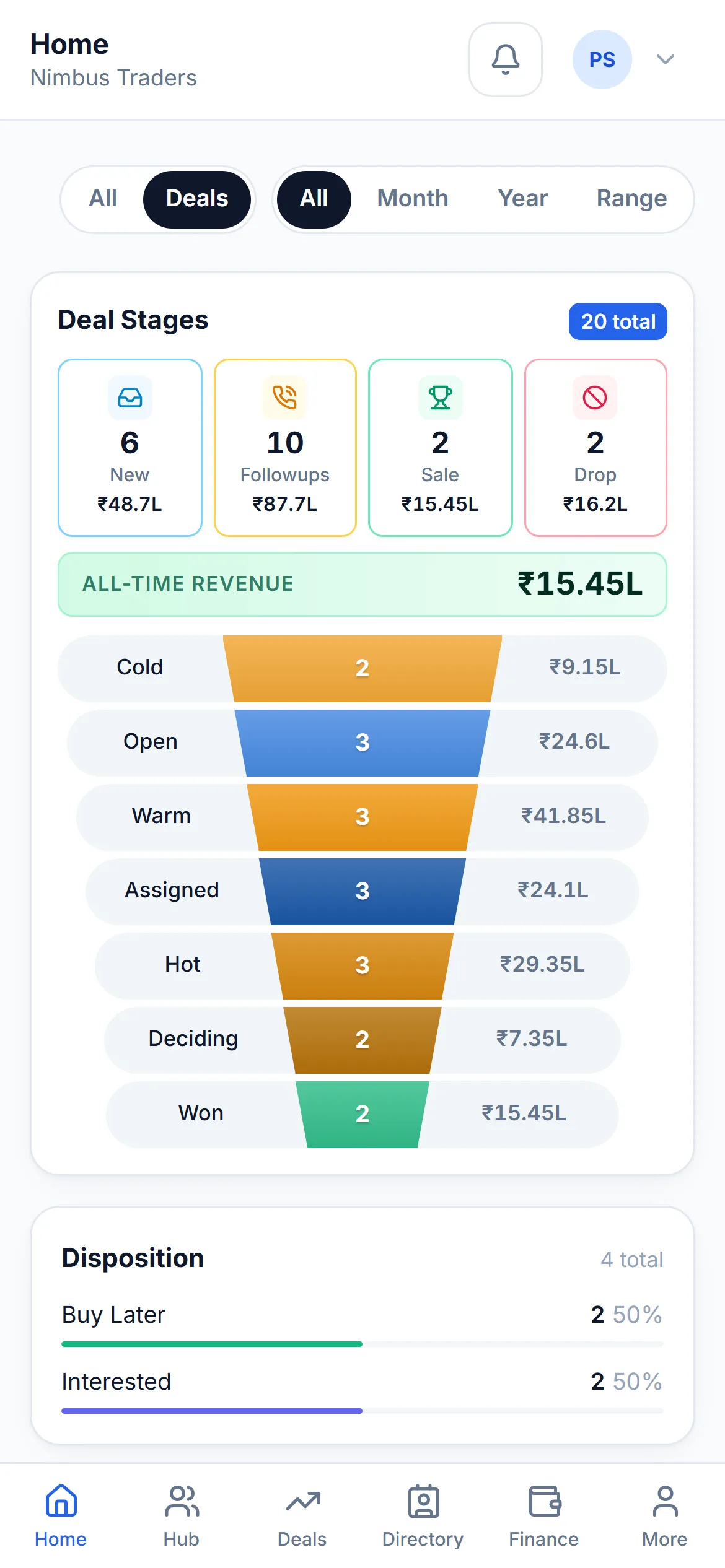
The DialCRM.AI dashboard on a phone, showing deal counts and follow-ups stacked in a single column.
Dashboard
The Deals list on a phone, where each deal is a card instead of a table row.
Deals
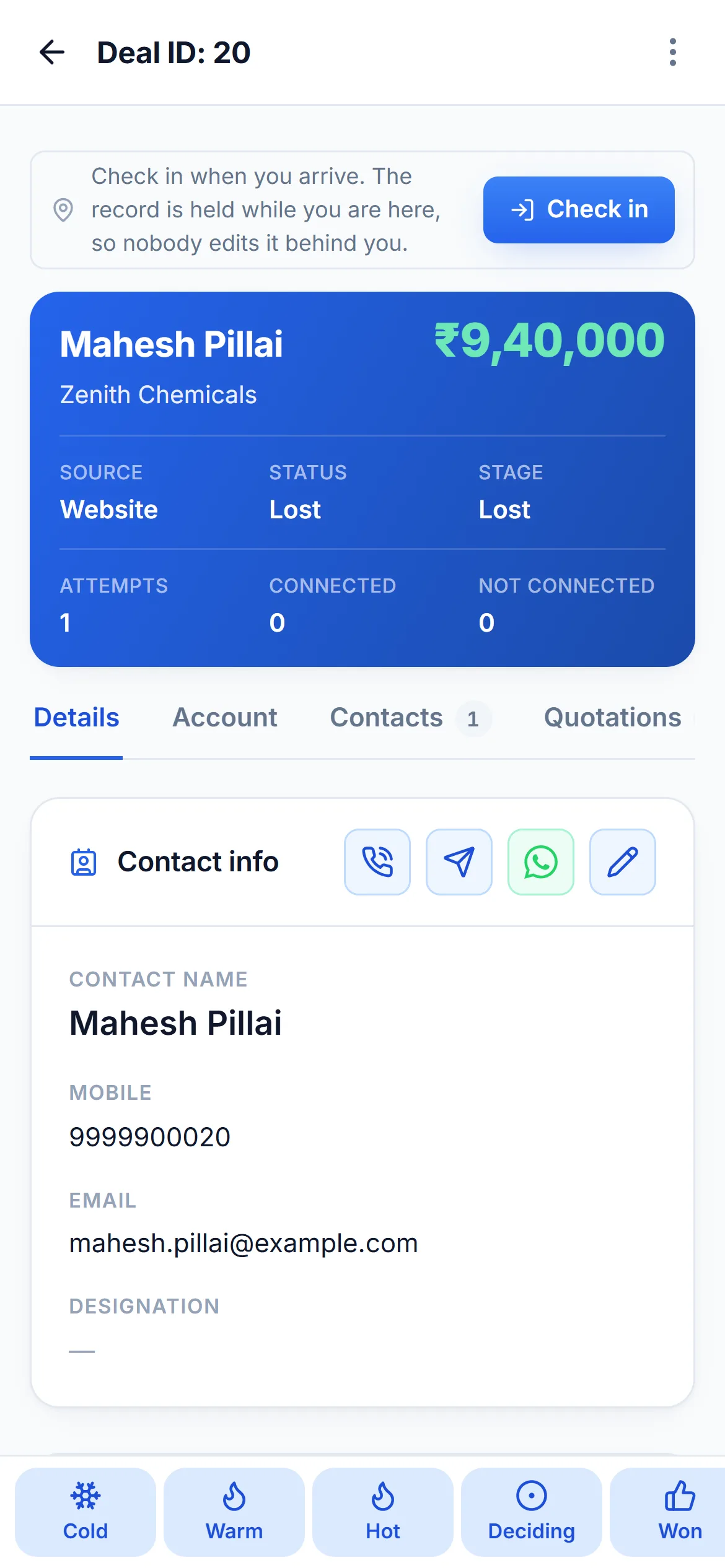
A deal record on a phone, with the contact, the amount and the stage pipeline.
A deal
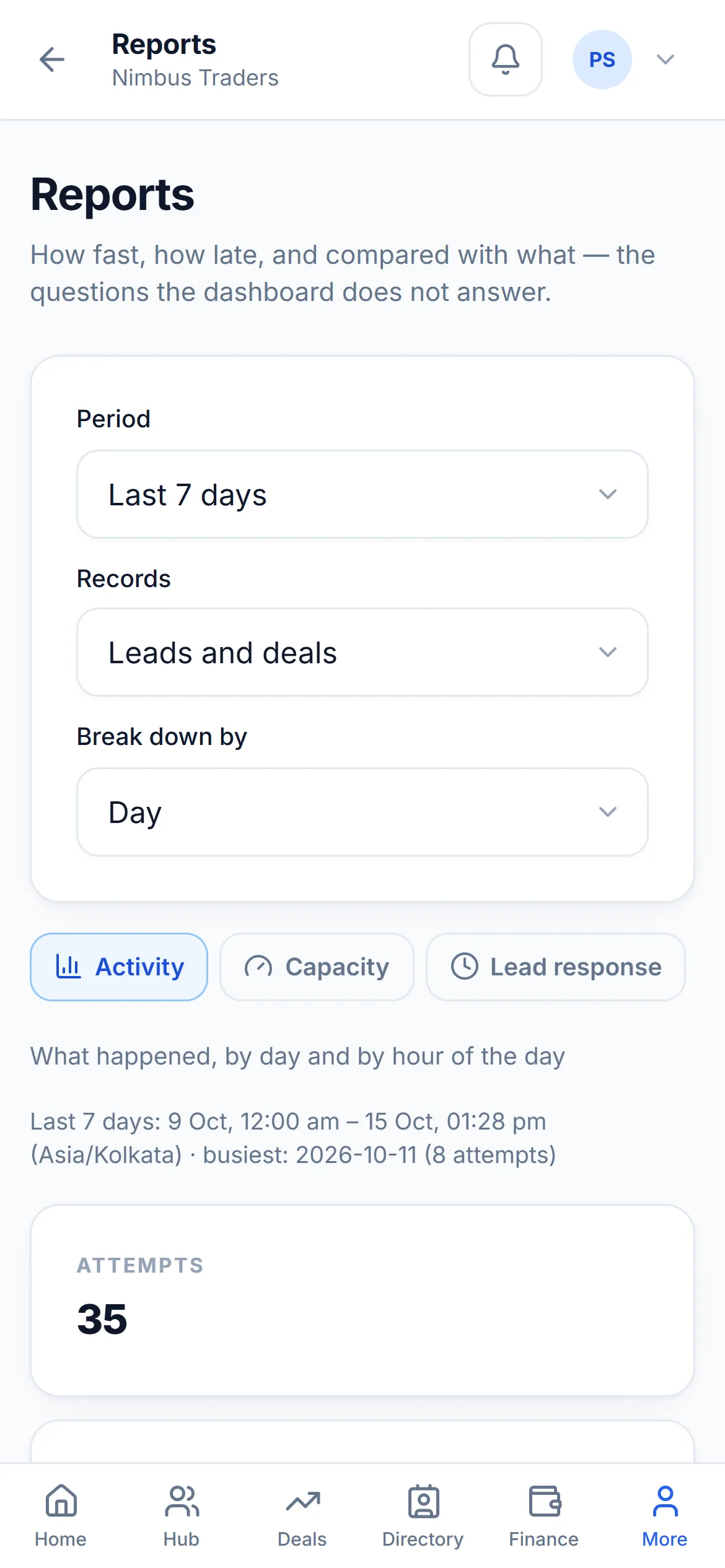
The Reports page on a phone, with its tabs scrolled horizontally.
Reports

Every deal on one pipeline

The working list. Filter it, search it, import into it, export out of it — and see the value sitting in each stage along the top.
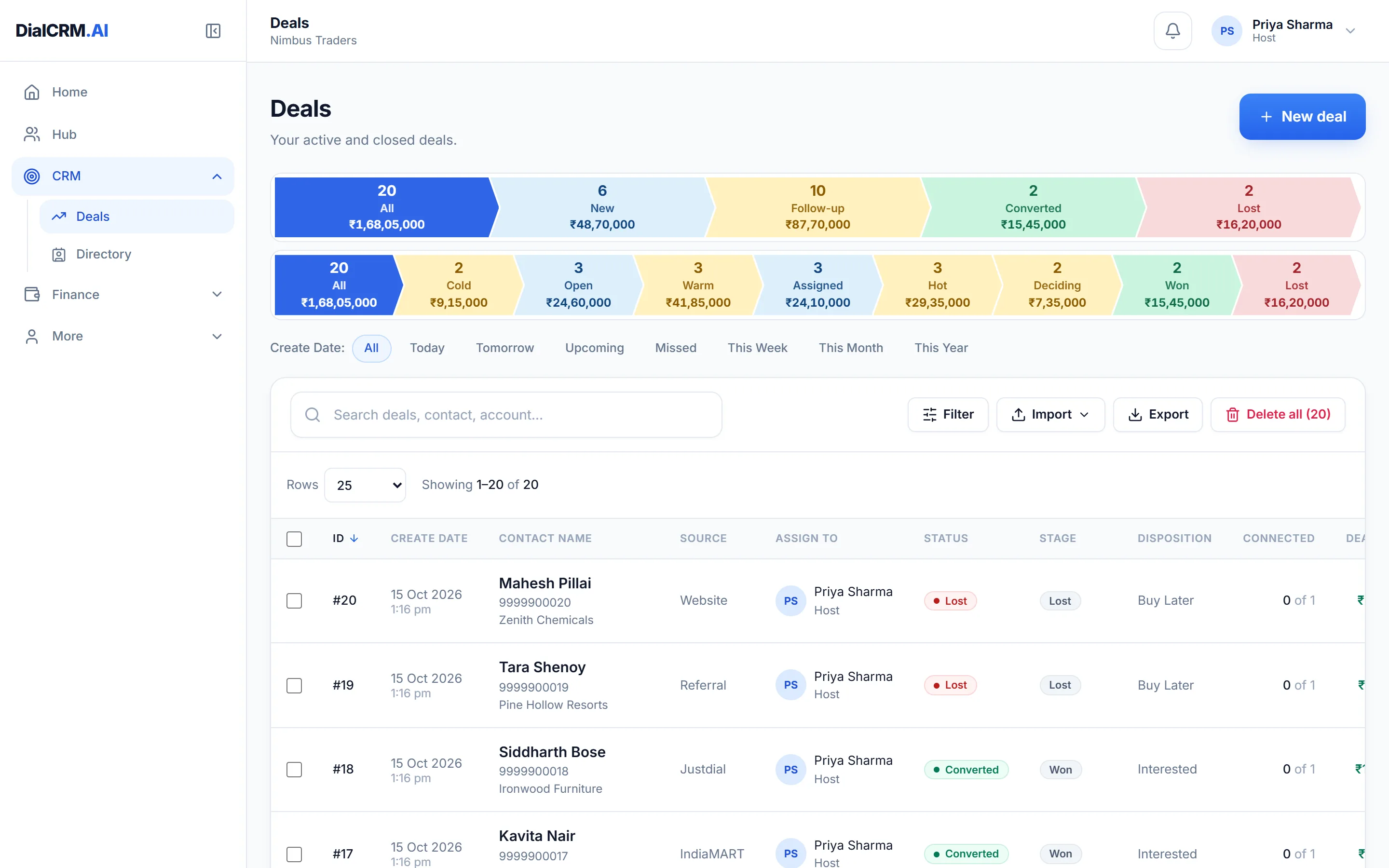
  • A stage strip with the count and the amount in each
  • Filters for created date, stage, owner and source
  • Import and export, with templates for both
  • Who it is assigned to, and how many attempts have been made
The Deals list in DialCRM.AI, showing twenty deals with contact names, sources, owners, statuses, stages and amounts, above a stage summary strip.

The whole story of one deal

Open a record and everything about it is on one page — the contact, the money, the stage it has reached and every attempt anyone has made on it.
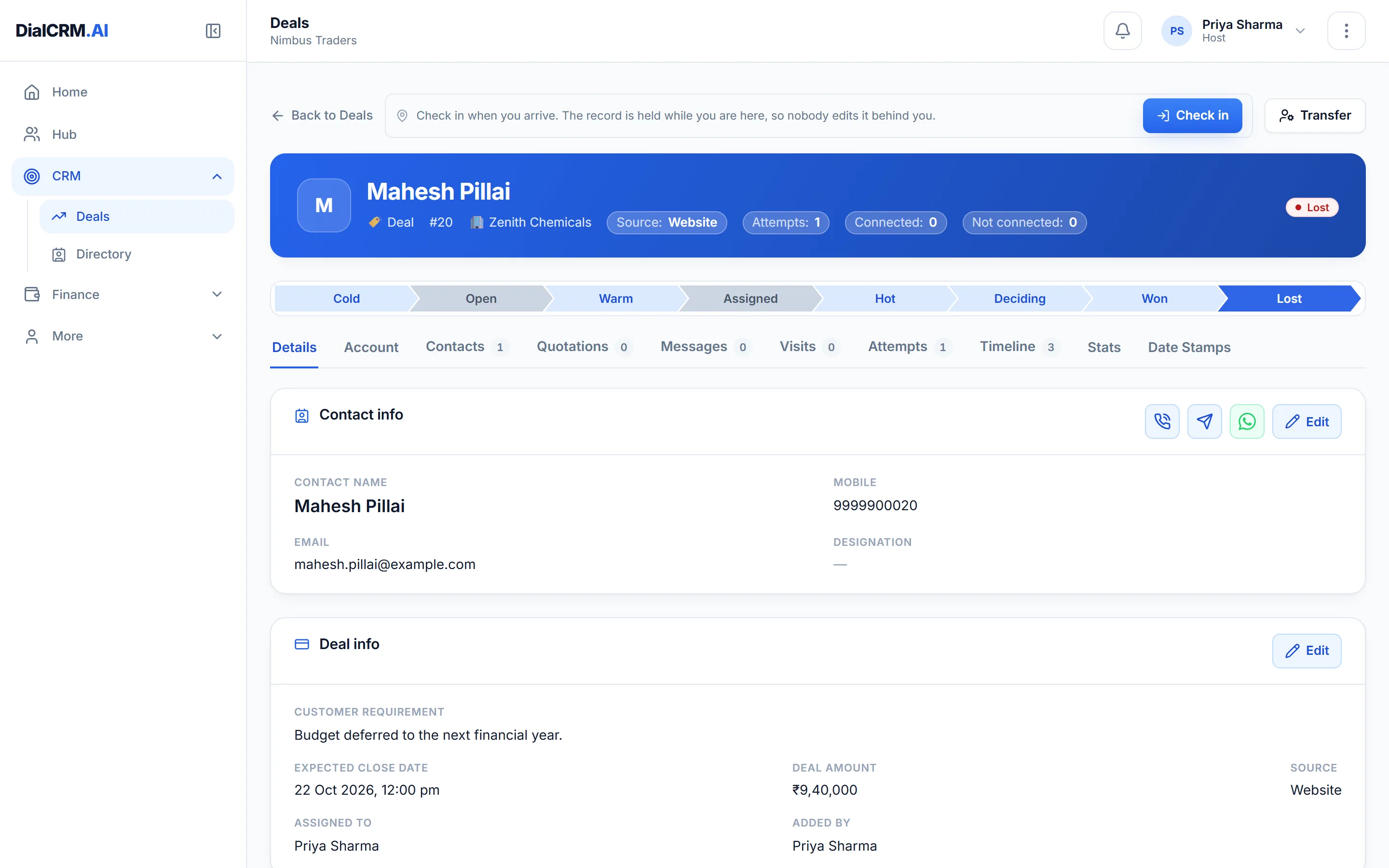
  • Call, message or WhatsApp the contact from the record itself
  • Stages across the top, with the current one marked
  • Tabs for contacts, quotations, messages, visits, attempts and the timeline
  • Check in on arrival, so nobody edits the record behind you
A deal record in DialCRM.AI showing the contact, the deal amount, the stage pipeline from Cold to Lost, and tabs for quotations, messages, visits, attempts and timeline.

Contacts and the companies they work for

One directory behind every deal. A contact keeps its history when it moves company, and an account gathers every deal and person under it.
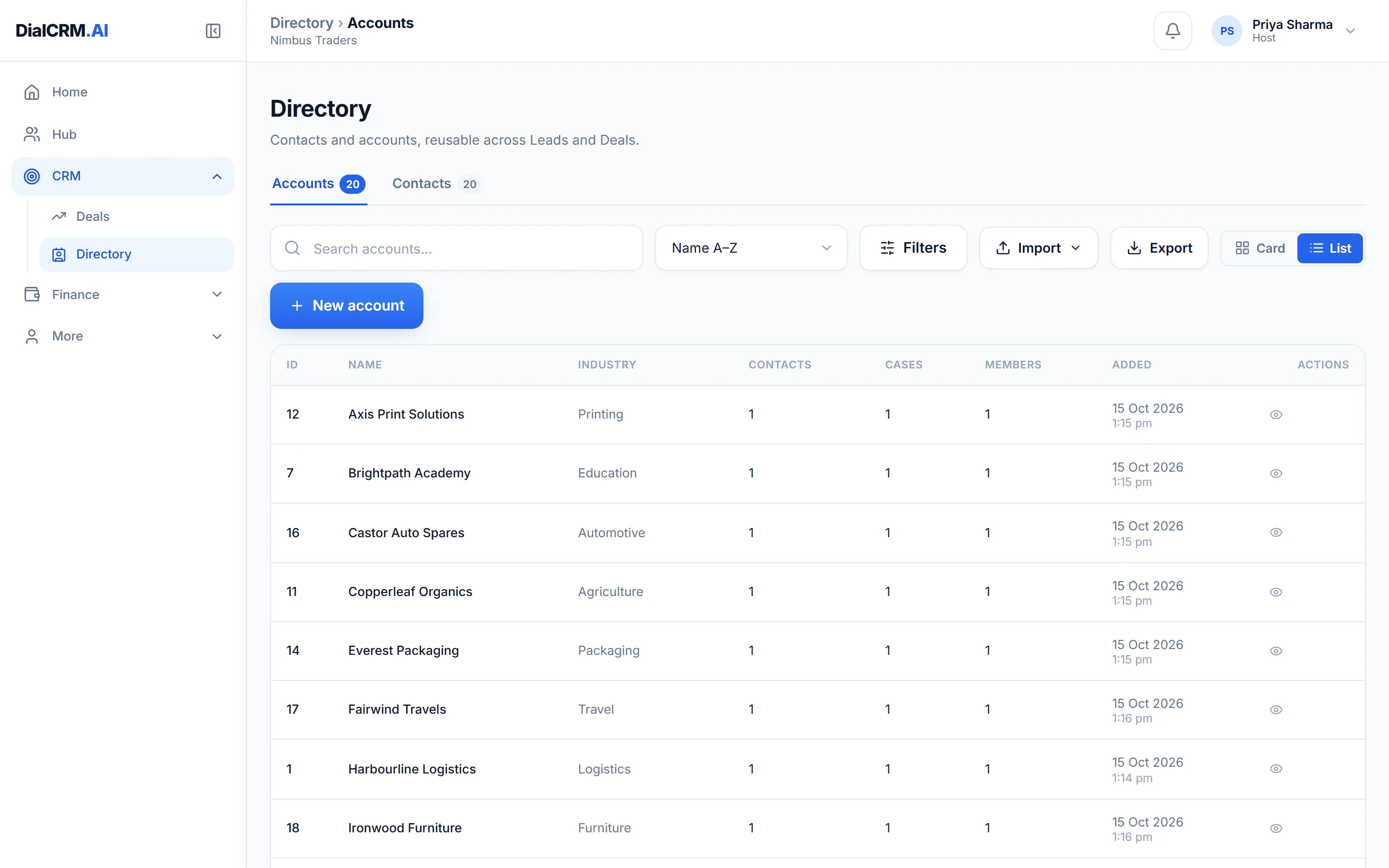
  • Contacts and accounts in one place, searchable
  • Each account carries its industry, city and the deals against it
  • A contact can belong to more than one account
The Directory in DialCRM.AI listing contacts and accounts with their companies, cities and industries.

How fast, how late, and compared with what

The questions a dashboard does not answer. Response times, capacity, delays, missed follow-ups and period-on-period comparison.
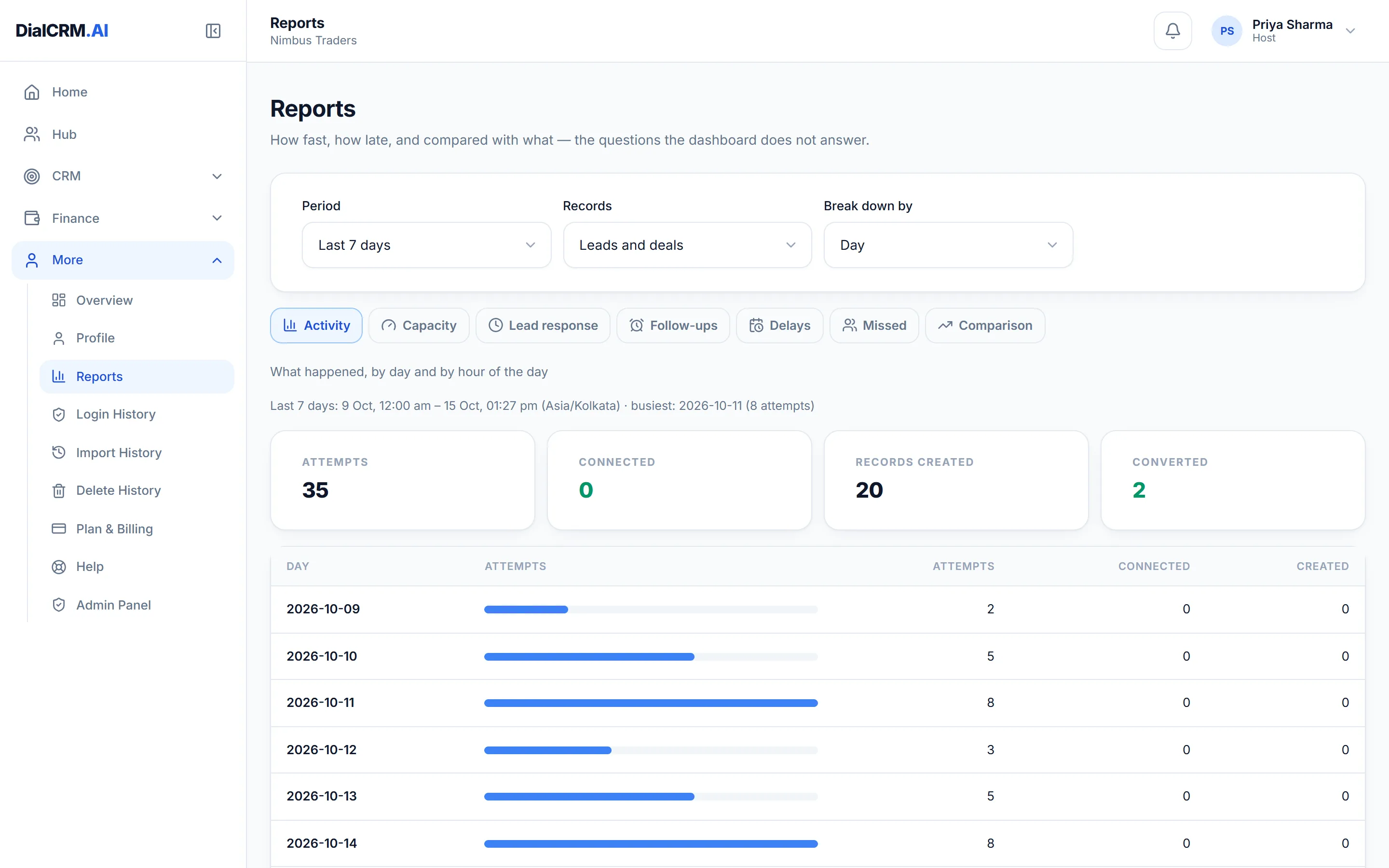
  • Activity by day and by hour of the day
  • Lead response time, follow-up adherence and delays
  • Missed follow-ups, named and countable
  • Any period, broken down by day, week or month
The Reports page in DialCRM.AI with tabs for activity, capacity, lead response, follow-ups, delays, missed and comparison, showing attempts and records created over the last seven days.

Where the enquiries come from

Connect the places your customers already reach you, and let the records arrive on the pipeline by themselves.
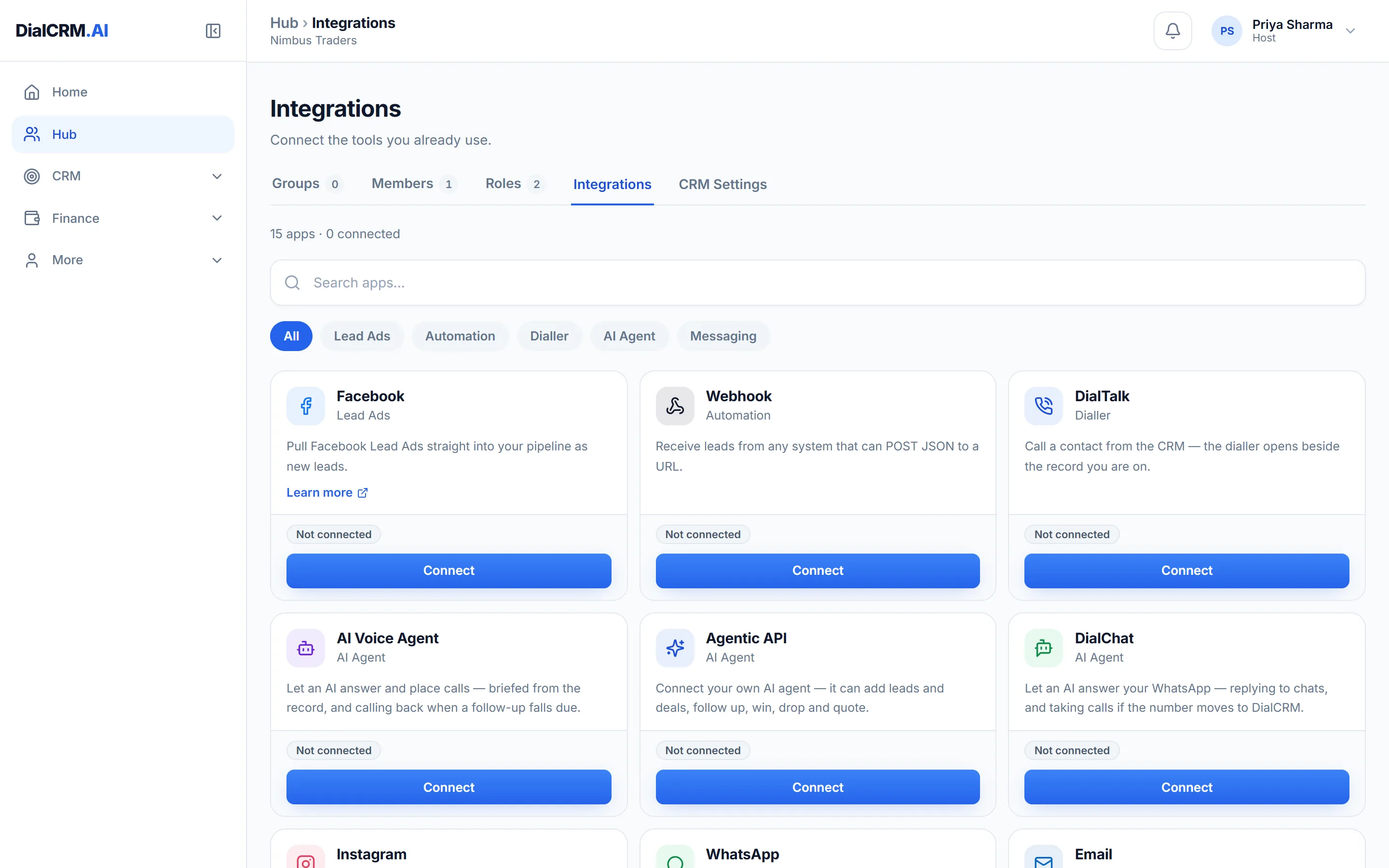
  • Facebook Lead Ads, IndiaMART and Justdial
  • Inbound webhooks for your own website or landing page
  • DialTalk for calling, DialChat and messaging for WhatsApp, email and SMS
  • The Agentic API, with keys you mint and revoke yourself
The Integrations tab in DialCRM.AI showing the available connections for lead capture, calling, messaging and the API.

Quotations with the tax already worked out

Raise a quotation from the deal, against an item master that carries your HSN and SAC codes, and send it as a PDF with your logo on it.
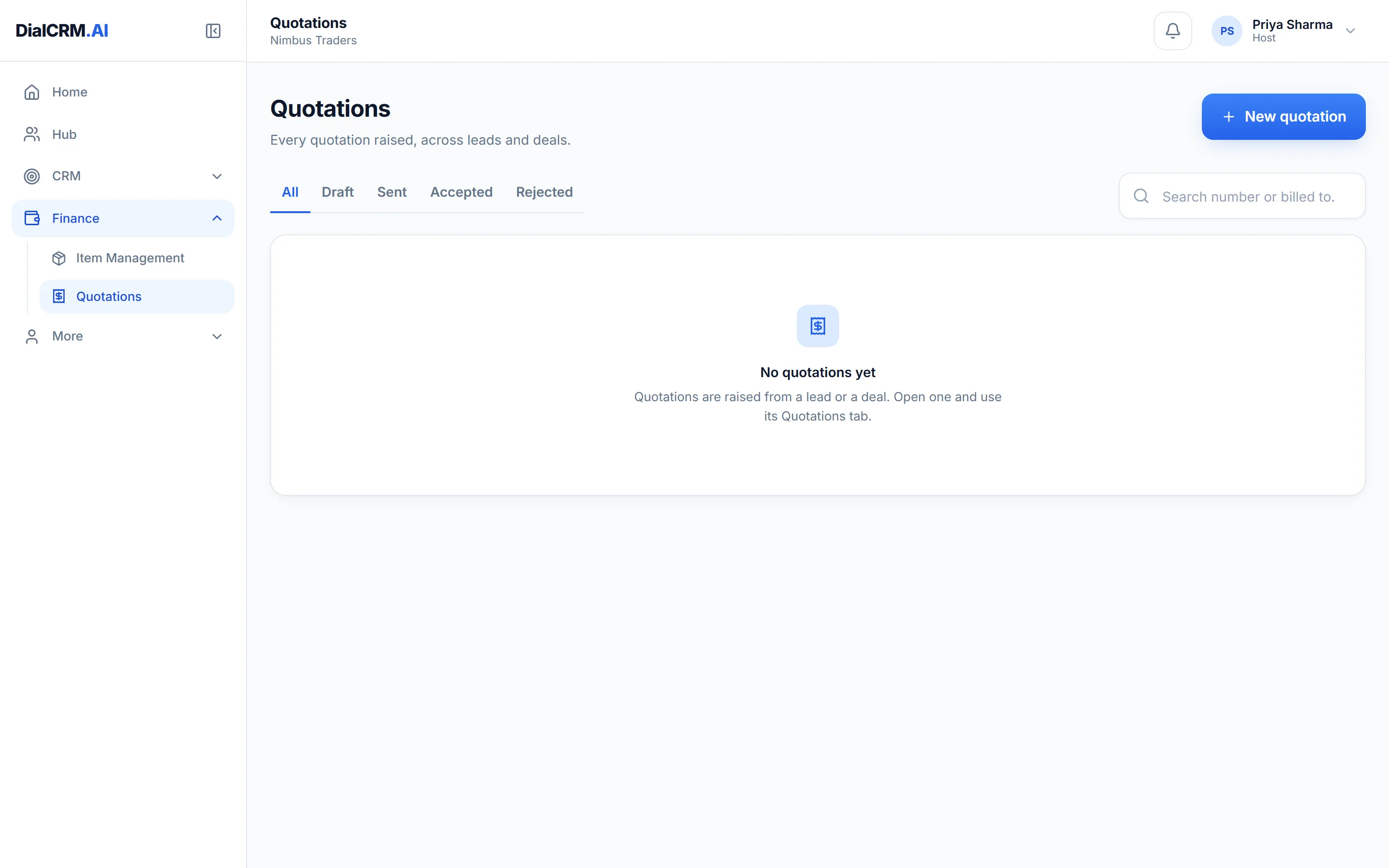
  • GST calculated from the item, not typed in by hand
  • Your logo, bank details and signature on the document
  • Numbered from a series you control
The Quotations list in DialCRM.AI showing quotations raised against deals.

An item master that knows your catalogue

Categories, sub-categories, brands, units and HSN or SAC codes — plus attributes of your own, which the quotation then asks about.
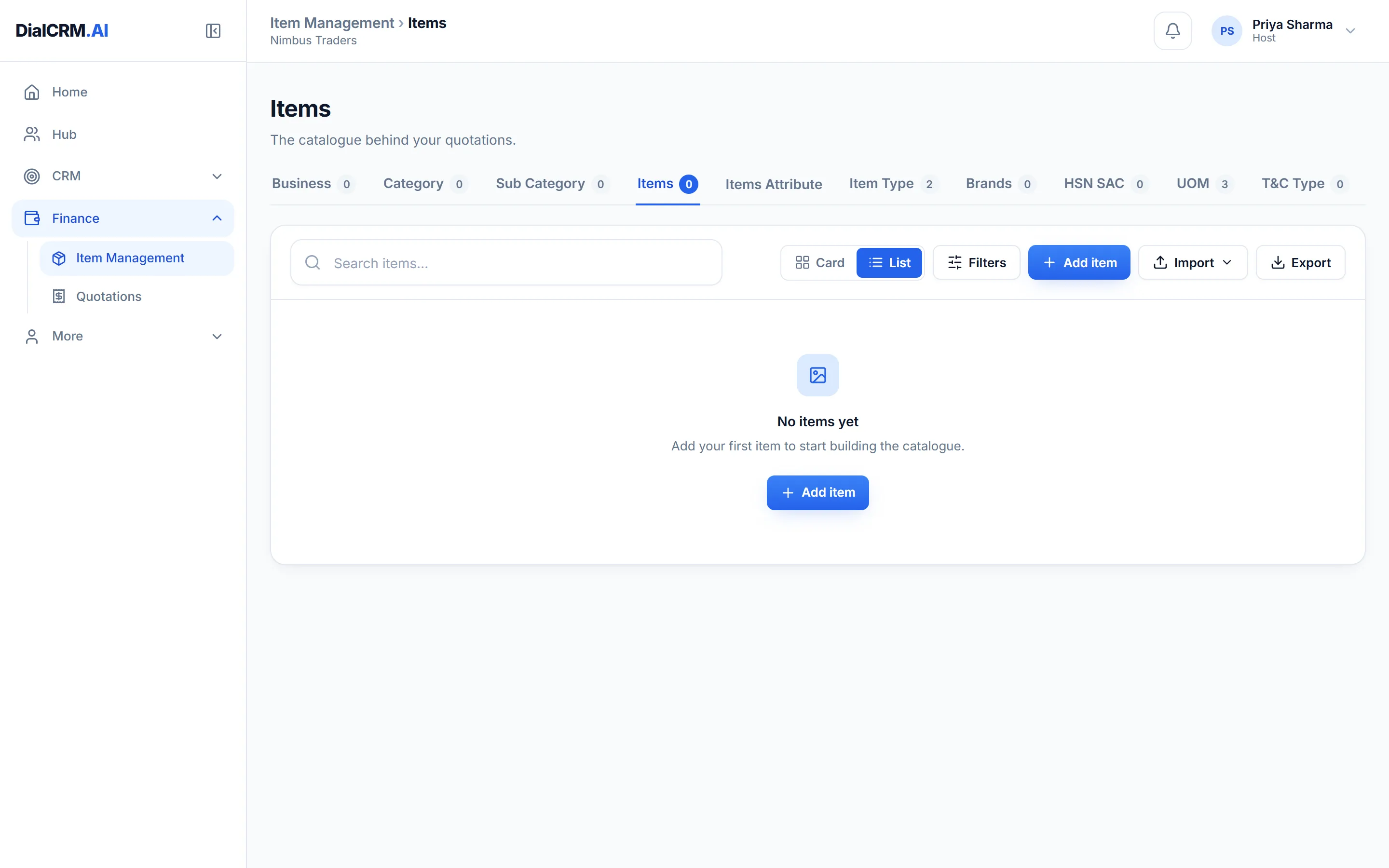
  • HSN and SAC codes held on the item, so the tax follows the item
  • Categories, sub-categories, brands and units of measure
  • Your own attributes per sub-category, answered when quoting
The item master in DialCRM.AI listing catalogue items with their codes and categories.

Who can see what

Members, groups and reporting lines. Every list runs under a Self, Team or Admin view, and the server enforces it rather than hiding the buttons.
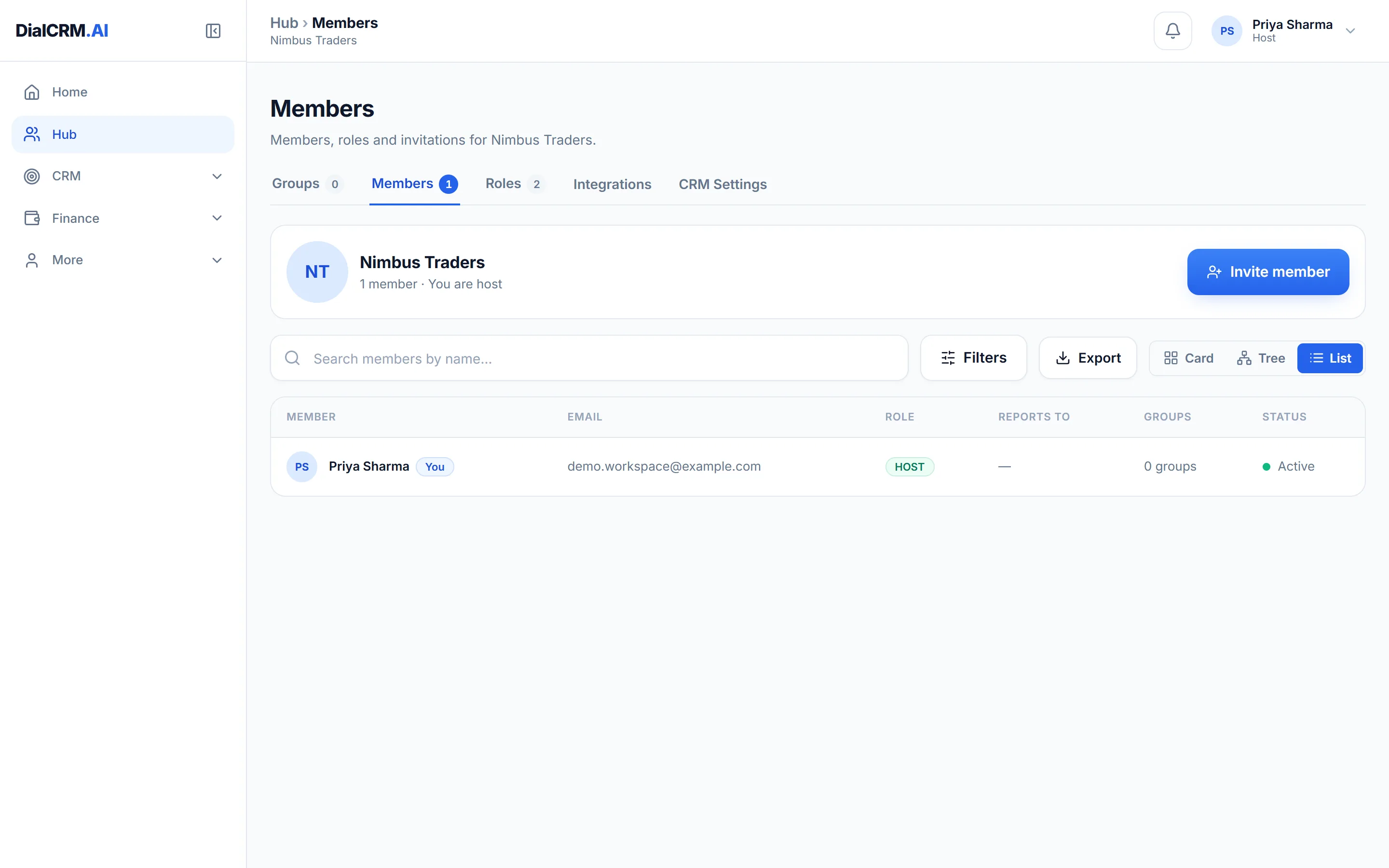
  • Roles and permissions per workspace, not per product
  • Reports-to lines, so a manager sees their team
  • Sign a device out, or block it, from the member’s own page
The Members tab in DialCRM.AI showing workspace members with their roles and status.

The workspace, administered

Storage, approvals, members and the plan — the things an owner looks after, kept behind an administrator check on the server.
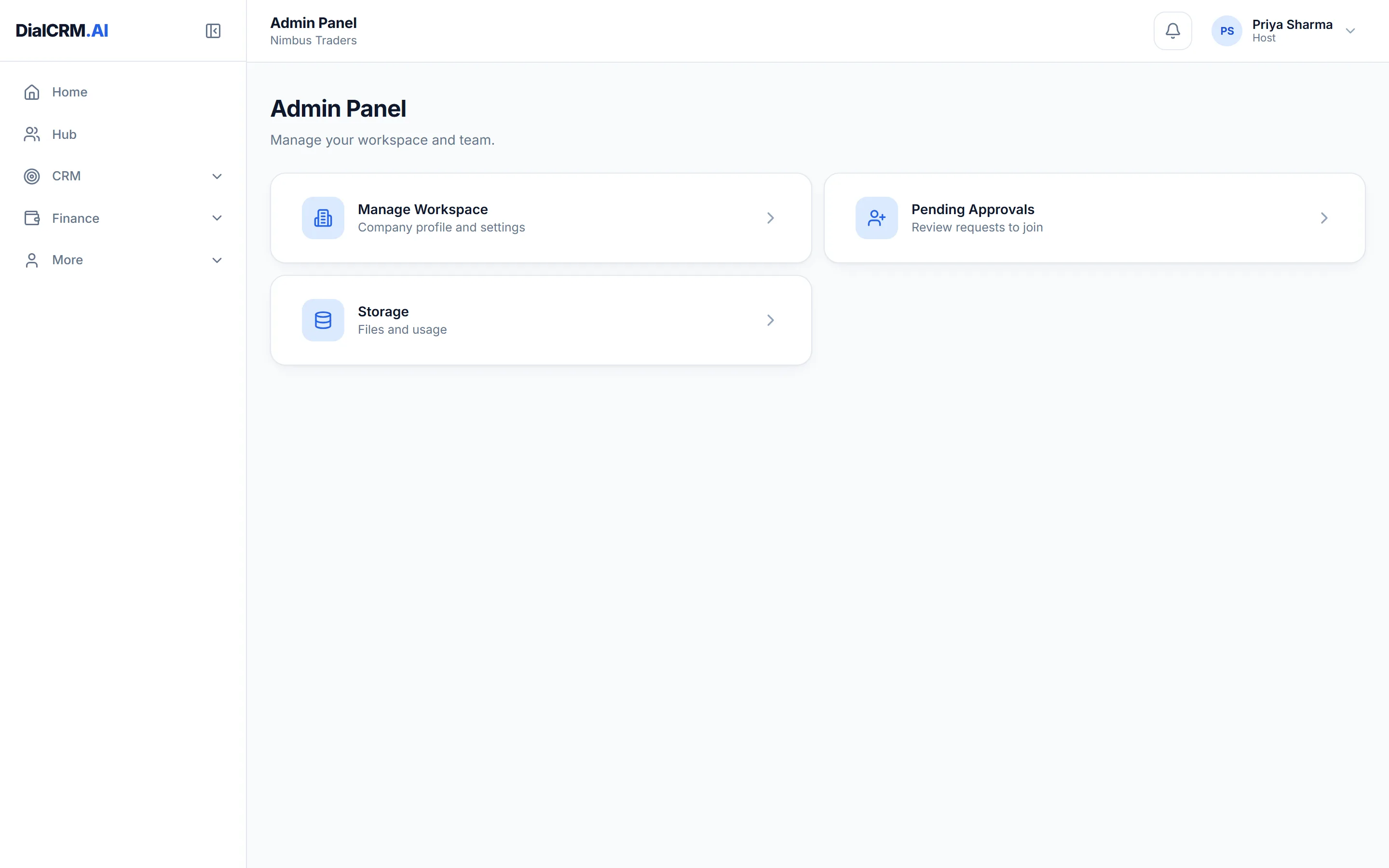
  • Workspace details, storage in use and pending approvals
  • Plan and billing, with usage against the plan’s limits
  • An audit trail of what changed, who changed it and when
The Admin Panel in DialCRM.AI showing workspace management options.
AI-ready CRM and sales operations

Every enquiry, in one pipeline you control.

DialCRM.AI brings lead capture, calling, messaging, GST quoting and a programmable API into one workspace. Enquiries arrive from Justdial, IndiaMART and Facebook Lead Ads, land on a pipeline you configure, and keep a record of who did what — so nothing is chased twice and nothing is dropped without a name against it.

  • Free plan to start
  • Import your existing data
  • Web, Android and iOS
  • CRMLeads and deals
  • DialTalkCalling from the record
  • WhatsAppYour own number
  • Facebook Lead AdsStraight in
  • IndiaMARTEnquiries captured
  • JustdialEnquiries captured
  • GST quotationsAs a branded PDF
  • Agentic APIDriven by your own agent

Every module, in detail

The pipeline, the lead sources, calling and messaging, GST quoting, the Agentic API, roles and permissions — what each one does, and what it does not.

Leads, calls, messages and quotes — on one record.

Create a workspace, connect a source, and watch the enquiries arrive on a pipeline that is yours.

Get started free